FileGrid
用途
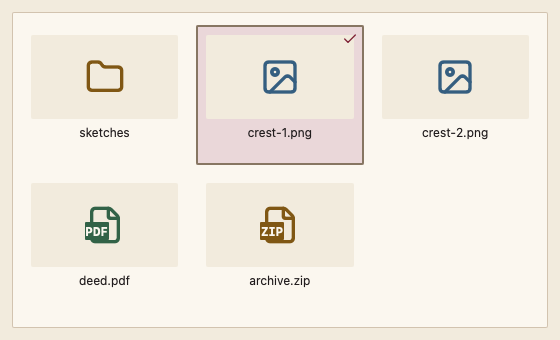
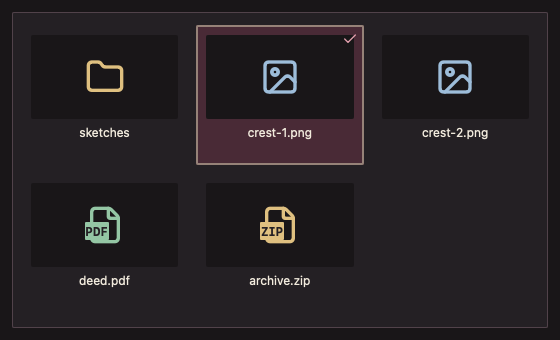
通过缩略图插槽展示文件网格与多选。
最小示例
entries := []files.FileEntry{{Path: "/court/seal.go", Name: "seal.go"}}
var state files.FileGridState
view := func(c *ui.Context) {
	core.Use(c, core.Settings{})
	files.FileGrid(c, entries, &state, files.FileGridOptions{}).Element.Height(240)
}
ui.Render(view, 400, 300, 1)
参数
ItemWidth 默认 128 DIP;Thumbnail 返回是否已绘制;Disabled 默认 false;Revision 用于原地更新条目。Path 顺序变化时重建范围选择锚点;相同 Path 顺序保留锚点与滚动位置。
状态
默认、焦点、禁用;空数据按组件内容展示。
事件
Changed 表示选择变化;Opened 表示打开请求。
键盘操作
方向键选择;Command/Ctrl+点击多选;Shift 扩展;Enter 打开。
限制
仅创建可见瓦片;缩略图解码由调用方完成。